AirTags, Tile, and Smart Tags: How to Track Your Stuff Without Accidentally Tracking People
Smart trackers can save hours of searching—if you set them up right. Learn how they work, where they fail, and how to prevent unwanted tracking.
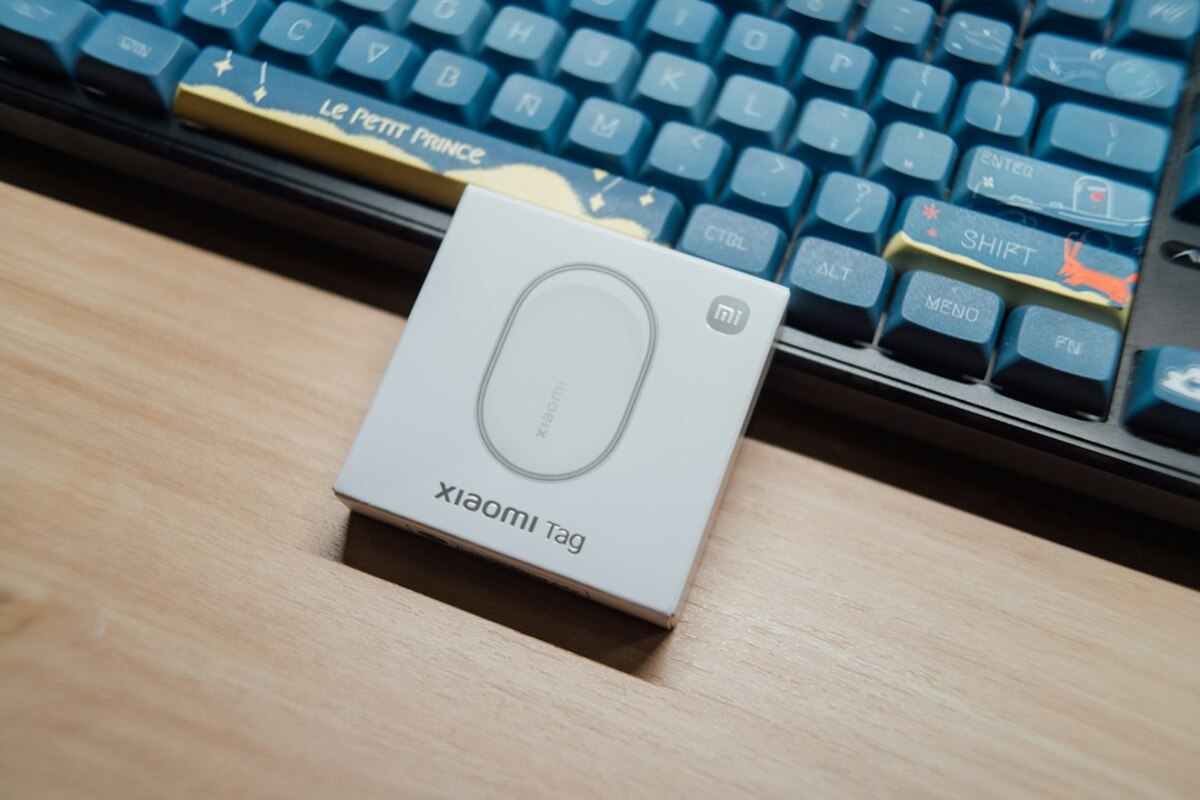
- Understand how Bluetooth trackers find lost items (and why “nearby” can still mean far).
- Set up smart tags safely: alerts, sharing, privacy settings, and travel tips.
- Know the limits: dead batteries, signal gaps, false precision—and what to do when a tag follows you.
What a “smart tag” really does (and what it doesn’t)
Smart tags (like Apple AirTag, Tile, and similar trackers) are tiny Bluetooth devices designed to help you locate everyday items—keys, backpacks, bikes, luggage, even a TV remote that loves to hide in couch cushions. They’re popular because they turn a familiar problem (“Where did I leave it?”) into a quick check on your phone.
The easiest way to think about a smart tag is like this: it’s not a GPS satellite device with its own map. It’s more like a little beacon that can whisper, “I’m here,” to nearby phones. Then your phone (or other people’s phones, depending on the network) helps translate that whisper into a location on a map.
That difference matters, because it explains most of the surprises people have with trackers:
- It’s great for finding items you misplace nearby (in your home, car, office).
- It can help recover lost items far away—but only if other phones pass close enough to detect it.
- It’s not a magic “always-on dot” like a car GPS unit, especially in remote places.
Here’s a quick “day in the life” scenario. You leave your backpack at a café. Your tag is inside the backpack. The tag broadcasts a Bluetooth signal. If someone with a compatible phone walks near it, that phone can anonymously relay the tag’s location to the tag’s network. When you check your tracking app, you may see the café pop up on the map—even though you’re miles away.
That’s the convenience. The risk is that the same mechanics could be misused to track people without their consent. So the smartest way to use smart tags is to treat them like any tool that can be helpful and sensitive: set them up thoughtfully, understand the safeguards, and know what to do if something seems off.
| What you expect | What usually happens | Why |
|---|---|---|
| “It’s GPS, so it always updates.” | Updates appear when the tag is near compatible devices. | Most tags rely on Bluetooth + crowdsourced networks, not continuous GPS. |
| “The map pin is exact.” | It can be close, but not perfect—especially in apartments or dense areas. | Signals bounce; location is based on the reporting phone’s estimate. |
| “If it’s stolen, I’ll chase it in real time.” | You may get periodic pings, sometimes delayed. | It depends on passerby phones and network rules designed to reduce abuse. |

Setting up a tracker the “non-creepy” way: practical safety steps
Most people buy a tracker for a simple reason: they’re tired of losing things. The best setup is one that makes recovery easy and reduces the chance of accidentally creating a privacy headache for yourself or others.
1) Label your tag like a responsible grown-up
Many tracking apps let you name a tag (“Keys,” “Backpack,” “Bike”). Do it. If you have multiple tags, avoid vague names like “Tag 1.” Use something that matches how you actually search: “Gym bag” beats “Duffel.”
If your tag supports a “lost mode” message, write a simple, safe contact method. Consider an email alias rather than your primary phone number if you’re cautious. Example: “If found, email foundmybag@…”.
2) Turn on separation alerts (the feature that prevents the ‘left it behind’ moment)
Most ecosystems can notify you if you walk away from a tagged item. This is the feature that pays for itself the first time you leave your laptop bag in a meeting room.
Real-life scenario: You set a separation alert for your work backpack. You leave a coworking space, get two blocks away, and your phone buzzes: “Backpack left behind.” That’s a five-minute fix instead of an all-afternoon panic.
Tip: if you don’t want constant alerts, create “safe places” (home, office). Then you only get warned when it matters.
3) Share items the right way instead of lending your login
If you and a partner both use the same car keys, or you’re coordinating luggage on a group trip, look for “shared item” features. Sharing a tag is safer than giving someone your account password or leaving a tag unregistered.
Sharing also reduces confusion like: “My phone says the suitcase is with you.” “No, mine says it’s with you.” One shared view is better than two people guessing.
4) Know how anti-stalking alerts work (so you don’t ignore them)
Modern smart tags include anti-stalking measures. While details differ by brand and phone platform, the idea is consistent: if a tracker that isn’t registered to you appears to be traveling with you, your phone may warn you.
These alerts can feel alarming, but they’re designed to be loud on purpose. If you ever see something like “Unknown tracker moving with you,” treat it like a smoke alarm: it might be a false alarm, but you should still check.
Not always. Common benign causes include borrowing a friend’s bag that has a tracker inside, riding in a carpool where someone’s keys have a tag, or sitting near someone on public transport for a long time. Still, you should check your belongings and surroundings, and use the “play sound” or “scan” option if your phone offers it.
Not always. Common benign causes include borrowing a friend’s bag that has a tracker inside, riding in a carpool where someone’s keys have a tag, or sitting near someone on public transport for a long time. Still, you should check your belongings and surroundings, and use the “play sound” or “scan” option if your phone offers it.
Typically, someone needs access to the account that owns the tag to see its location. The bigger risk is a tag being hidden in something you carry. That’s why platforms emphasize unknown-tracker alerts and why you should take them seriously.
Typically, someone needs access to the account that owns the tag to see its location. The bigger risk is a tag being hidden in something you carry. That’s why platforms emphasize unknown-tracker alerts and why you should take them seriously.
Many people do, but it’s important to understand the limits: these tags are designed for objects, not continuous real-time safety tracking. For kids or pets who might run, a dedicated GPS tracker with live updates and emergency features can be more appropriate. If you do use a smart tag, treat it as a backup “recovery” tool, not a guarantee.
Many people do, but it’s important to understand the limits: these tags are designed for objects, not continuous real-time safety tracking. For kids or pets who might run, a dedicated GPS tracker with live updates and emergency features can be more appropriate. If you do use a smart tag, treat it as a backup “recovery” tool, not a guarantee.
Using trackers in real life: luggage, bikes, rentals, and awkward surprises
Smart tags shine in everyday chaos—travel days, commutes, and busy households. They also create a few predictable “Wait, why is it doing that?” moments. Here’s how to handle the most common situations without turning it into a tech drama.
Tracking luggage: what works well
Putting a tracker in checked luggage is one of the most practical uses. If your bag is delayed, the map can sometimes show whether it’s still at the departure airport, sitting at a connecting hub, or already in your destination city.
What to expect:
- Airport areas can update frequently because so many phones are nearby.
- Updates may lag while the bag is inside areas with fewer devices or signal interference.
- The dot can jump between terminals if the reporting phone’s location estimate isn’t perfect.
A useful mindset: treat the tracker location like a “breadcrumb,” not a live video feed. It can support your claim (“My bag is still at Terminal C”) but it may not be accurate down to a specific conveyor belt.
Tracking bikes and valuables: reality check
A tag can help recover stolen property, but it’s not a substitute for a lock, an alarm, or insurance. Thieves can sometimes find tags by playing sounds, scanning for trackers, or noticing common hiding spots.
If you tag a bike, hide the tag creatively (not the first place someone would check), and consider combining it with other measures:
- Use a quality U-lock and lock through the frame, not just a wheel.
- Record serial numbers and take photos.
- Know how to put the tag into “lost mode” quickly.
Important: if you locate stolen property, avoid confronting someone directly. In many places, it’s safer to report the location to authorities and provide the evidence you have.
Rental cars, shared gear, and borrowed bags
This is where “accidental tracking” gets messy. A very normal scenario: you lend your suitcase to a friend, forget there’s a tracker inside, and they travel across the country. Your phone may show their movements. Even if you’re not trying to track them, that can feel invasive if they discover it.
Good etiquette checklist before lending items:
- If you lend the item: tell the person there’s a tracker inside and why (e.g., “I lose this suitcase a lot”).
- If it’s long-term: consider removing the tag or using a sharing feature if appropriate.
- If you borrow an item: if you get an unknown-tracker alert, assume it might be in the borrowed item and ask openly.
Battery, beeps, and “why did it stop updating?”
Most smart tags use small coin-cell batteries. Eventually, they die—sometimes at the exact moment you need the tag most. Make battery checks part of your routine, like replacing a smoke detector battery (less dramatic, but the same kind of “I’ll do it later” trap).
Also, tags can start beeping under certain conditions (often related to anti-stalking features or separation). If your tag is making noise, don’t panic—open the app and check its status, especially if you’re traveling or sharing space with others.
A simple “safe setup” routine you can do in 10 minutes
- Update your phone OS and the tracking app (anti-stalking features improve over time).
- Name each tag clearly and assign it to the right item.
- Enable separation alerts for the items you truly don’t want to forget.
- Set safe locations to reduce noisy notifications.
- Decide your lending rule: remove tags from borrowed items, or disclose them and share access when appropriate.
Used thoughtfully, smart tags are like a tiny safety net for forgetful humans. The key is remembering they’re designed for objects, powered by nearby devices, and surrounded by privacy safeguards that you should understand—so you get the convenience without the creep factor.