The “I’ll Just Watch One More” Problem: How Autoplay Keeps You Hooked
Autoplay feels helpful, but it quietly steers your time and attention. Here’s what’s happening—and how to take control without quitting streaming.
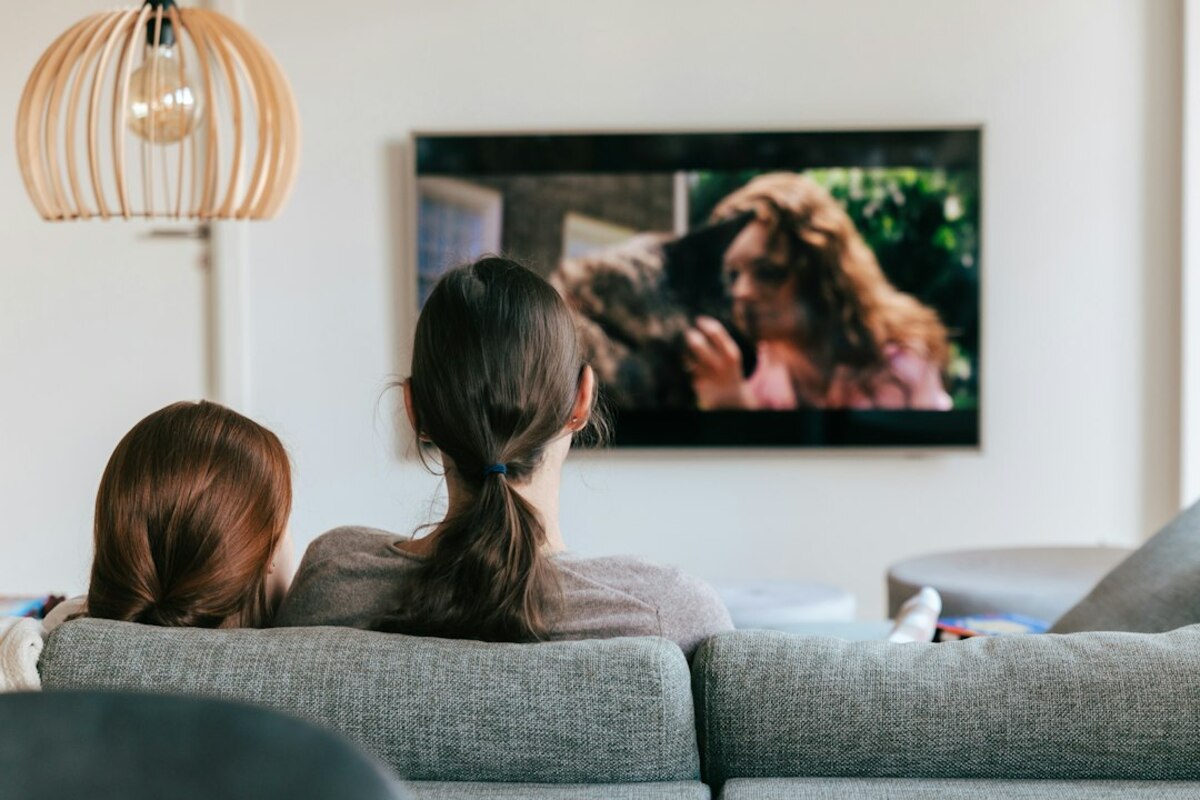
- Autoplay reduces the “decision moment” that normally helps you stop or switch tasks.
- Platforms test tiny changes (timers, previews, button placement) to keep you watching.
- Small settings and habit tweaks can bring back natural stopping points without feeling restrictive.
Autoplay: the helpful feature that doesn’t feel like a feature
You finish an episode, lean back, and think, “Nice—time for bed.” Then the screen shrinks, a countdown appears, and before your brain fully registers what’s happening, the next episode is already playing. You didn’t exactly choose it. You also didn’t not choose it. It just… happened.
That in-between feeling is the key. Autoplay is designed to remove friction—those tiny pauses where you might normally decide what you actually want next: sleep, a snack, a different show, a message to a friend, or just silence. It’s like standing in a bakery line and having someone automatically place “one more cookie” on your tray every 10 minutes unless you actively say no.
In everyday life, most of us rely on natural stopping cues: the end of a TV program, a chapter ending, a friend leaving, the lights turning off at a store. Autoplay smooths those cues away. It’s not evil on its own; it’s efficient. But efficiency isn’t always what you want when you’re tired, stressed, or looking for “a quick break.”
And autoplay isn’t only about streaming. You’ll see it in short-video feeds that roll endlessly, music apps that continue with “suggested” tracks, news sites that load more articles as you scroll, and social platforms that play the next clip instantly. Same idea, different wrapping: keep you moving forward without asking you to make a fresh decision.

Why it’s so hard to stop once autoplay starts
Autoplay works because it targets a very normal human tendency: we avoid effort when we’re low on energy. At the end of the day, your “planning brain” is tired. Anything that saves a tiny decision feels like relief. The problem is that those tiny decisions are also where you regain control.
Think of attention like money in a pocket with a hole. When you’re alert, you notice the hole and cover it. When you’re drained, the coins just slip out. Autoplay is the hole: it turns “watching one episode” into “watching until something external interrupts me.”
There are a few simple mechanics that make autoplay especially sticky:
- It removes the “Are you still watching?” moment. The end of an episode used to be a built-in checkpoint. Autoplay makes the checkpoint optional—and easy to miss.
- It uses momentum. Once the next episode begins, stopping feels like interrupting something already in progress. It’s easier to prevent something than to stop it midstream.
- It creates a small fear of missing out. A preview starts, the next scene opens, and you feel a nudge: “You’re already here—might as well see where this goes.”
- It quietly changes your goal. You came for rest or entertainment, but the system shifts the goal to “continue.”
To see how subtle this is, picture a real-life scenario. You’re at a friend’s house watching a show. After the episode ends, someone has to pick up the remote, decide what to do, and maybe endure a tiny bit of social negotiation: “One more?” That moment is friction—and friction is where you can say, “Actually, I’m heading out.” Autoplay removes the remote moment entirely.
Platforms also experiment constantly with small design details that influence whether you stop. You don’t need a conspiracy theory to understand this; it’s simply product optimization. If a service earns money when you keep watching (through subscriptions, ads, or habit-forming loyalty), it will test what increases viewing time.
Here are a few common variables services tend to tweak (you can often spot them if you pay attention):
| Design detail | What it changes | How it feels to you |
|---|---|---|
| Countdown length (5s vs 15s) | Your chance to opt out | “It started before I could decide” |
| Auto-playing previews on hover | Whether you browse calmly or get pulled in | “I wasn’t even sure I wanted this, but now I’m watching” |
| Placement/size of “Next episode” vs “Exit” | Which choice is easiest | “Stopping takes more work than continuing” |
| Starting the next episode at a loud/active moment | Immediate engagement | “Okay, I’m hooked again” |
Notice the theme: autoplay doesn’t force you. It makes continuing the path of least resistance.
Another reason autoplay works is that modern shows are built for it. Episodes end on mini-cliffhangers, storylines stretch across seasons, and “just one more” becomes a reasonable promise because the next episode starts instantly. It’s like eating chips from a bag that never looks empty; you don’t get the visual cue that you’ve had enough.
And then there’s time distortion. A single episode might feel like a small commitment—“only 30 minutes.” But once autoplay turns it into a chain, your brain stops re-checking the cost. It’s similar to letting your phone keep scrolling you through videos: each clip is short, but the session is long.
How to keep autoplay from stealing your evening (without becoming a monk)
You don’t need to delete every app or swear off entertainment to make autoplay behave. The goal is to rebuild stopping points—those small moments where you can ask, “Is this still what I want to be doing?”
Start with the easiest win: check the settings. Many platforms let you turn off autoplay entirely, or at least stop it in certain contexts (like previews on the home screen). If you like autoplay sometimes, you can also create “rules” for yourself where autoplay is allowed only when it serves you—like when you’re folding laundry or cooking.
Here are practical approaches that work because they add a gentle speed bump:
- Use a “one-episode contract.” Before you press play, say out loud (or text someone) what you’re doing: “One episode, then shower.” It sounds silly, but it creates a clear boundary your brain can recognize later.
- Move the remote (or phone) away. If you have to stand up to hit “Next,” you’ve rebuilt the decision moment. Autoplay is powerful partly because you can stay still.
- Set an external timer. Not the platform’s “Are you still watching?”—your own. A 35-minute timer for a 30-minute episode gives you a moment to reassess during credits or early in the next episode.
- Make credits your cue. Decide: “When credits roll, I sit up.” This tiny physical action breaks the trance and makes it easier to stop before autoplay completes the handoff.
If you live with others, you can turn stopping into a shared norm. One surprisingly effective tactic is to agree that the default after an episode is a quick check-in: “Continue or call it?” Autoplay removes that social pause. You can put it back.
If you watch on your laptop, consider watching in a way that makes “continuing” less automatic. Full-screen can be immersive (good!), but it can also hide time cues (bad, when you’re trying to stop). Keeping the clock visible or watching with a small light on in the room can help you stay oriented—like cracking a window so you remember the world still exists.
For short-video apps, the equivalent of turning off autoplay is harder because the entire feed is autoplay. In that case, the most realistic strategy is to create an intentional “off-ramp.” Examples:
- Pick a stopping trigger: “I stop after 10 videos,” or “I stop after I see two ads,” or “I stop when I see the third cooking clip.” It doesn’t matter what it is; it matters that it’s specific and easy to notice.
- Change the setting that makes it effortless: turn off auto-play on mobile data, disable sound by default, or use focus modes that limit the app after a set time.
- Replace the last 5 minutes with a buffer activity: brushing teeth, filling a water bottle, packing your bag for tomorrow. This gives your brain a clean transition instead of a hard stop.
It can also help to recognize the emotional moments when autoplay is most likely to win: late-night fatigue, loneliness, stress after work, procrastination before a hard task. In those moments, autoplay isn’t only about the next episode—it’s about avoiding an uncomfortable feeling. If you can name the feeling (“I’m anxious about tomorrow,” “I’m overstimulated,” “I don’t want the day to end”), you regain a little control. You may still watch, but it becomes a choice again.
Autoplay isn’t inherently bad—it’s a convenience tool. The issue is that it shifts effort onto you to stop, especially when you’re tired. Treat it like free refills: fine when you want them, not great when you’re trying to leave the table.
Autoplay isn’t inherently bad—it’s a convenience tool. The issue is that it shifts effort onto you to stop, especially when you’re tired. Treat it like free refills: fine when you want them, not great when you’re trying to leave the table.
You’re reintroducing small decisions. Decisions are “expensive” when your brain wants rest. After a few days, the pause often starts to feel normal—and even pleasant—because it gives you a beat to check in with yourself.
You’re reintroducing small decisions. Decisions are “expensive” when your brain wants rest. After a few days, the pause often starts to feel normal—and even pleasant—because it gives you a beat to check in with yourself.
Keep it—but aim it. Use autoplay for activities where continuous play is genuinely useful (chores, background noise), and turn it off when you want to protect sleep, focus, or time with others.
Keep it—but aim it. Use autoplay for activities where continuous play is genuinely useful (chores, background noise), and turn it off when you want to protect sleep, focus, or time with others.
One last practical idea: create a “landing pad” for when you stop. Autoplay often wins because stopping leaves a gap—silence, boredom, or the sudden return of your to-do list. A landing pad is a simple, low-effort next step you actually enjoy: a paperback by the bed, a short playlist, a five-minute stretch, or making tea. When stopping leads somewhere pleasant, it stops feeling like deprivation.
Autoplay is excellent at one thing: keeping you going. Once you see that as a design choice rather than a personal flaw, it becomes much easier to respond with your own design choices—small ones that give your evening back.