The “Read Receipt” Trap: How Those Tiny Checkmarks Change What We Say (and Feel)
Read receipts seem harmless—until they quietly pressure you to reply, apologize, or overthink. Here’s what they do to everyday chats and how to handle them.
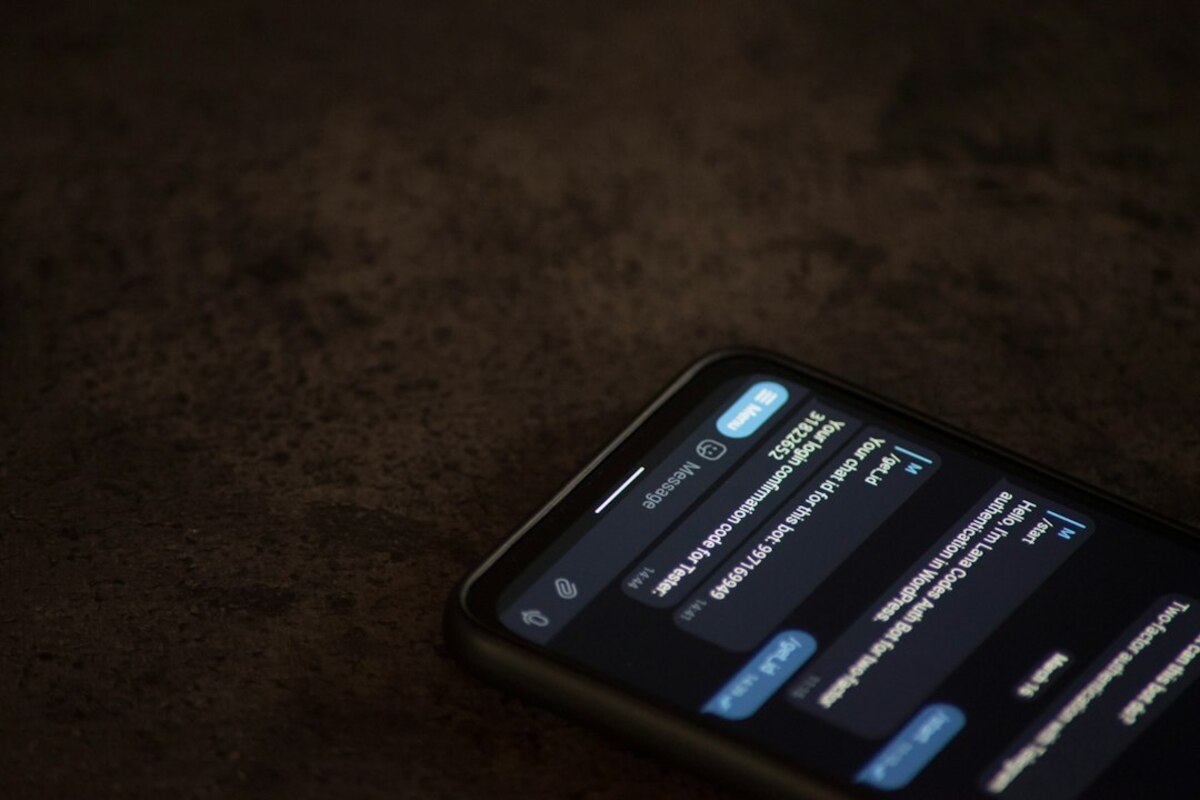
- Read receipts turn messages into mini “deadlines,” even when nobody agreed to one.
- They can increase anxiety and misunderstandings by making silence look intentional.
- Small setting changes and simple scripts can protect your time without sounding rude.
Why a tiny checkmark can feel like a spotlight
You send a message: “Hey, did you still want to meet at 6?” A few minutes later, you see it—Seen. Or two blue checkmarks. Or a little avatar beneath the message. Now your brain does something surprisingly intense with a very small piece of information: it starts building a story.
Before read receipts, silence was ambiguous. Maybe they didn’t check their phone. Maybe they were driving. Maybe the message didn’t deliver. Read receipts remove one layer of uncertainty (“they definitely saw it”) and replace it with a new one: why aren’t they replying? That gap is where overthinking thrives.
In everyday life, this changes how conversations feel. You’re no longer just talking—you’re also watching a status indicator. It’s like speaking to someone and having a little sign hovering over their head: “I heard you.” If they don’t answer, you might feel ignored even if they’re simply busy or thinking.
Here’s a quick real-life scenario most people recognize:
Scenario: You send a friendly follow-up to a coworker about a file. You see “Read” right away. An hour passes. Now you’re rereading your message, wondering if you sounded pushy. You consider sending another message, but that feels annoying. You decide to wait… while feeling mildly stressed the whole time.
Nothing dramatic happened. Yet your mood shifted. That’s the “read receipt trap”: the feature creates a social pressure that wasn’t there before, and it does it quietly—without a single notification sound.

How read receipts quietly rewrite the rules of politeness
Most messaging apps were designed to make communication feel effortless. But read receipts add a new layer: they transform a casual chat into something that can feel like a performance review. Not because you’re being watched by an authority—because you’re being watched by expectations.
In face-to-face conversation, we use tiny signals to manage timing: eye contact, nods, “give me a second,” or even just turning away to show we’re occupied. In text, those signals are missing, so read receipts can become a clumsy substitute: “I’m aware of you.”
The trouble is that “aware” often gets interpreted as “available.” That’s how read receipts quietly rewrite politeness rules:
- They create an invisible timer. Once something is “seen,” many people feel a countdown start—even if nobody said there’s urgency.
- They turn delays into meaning. A late reply can look like disinterest, avoidance, or passive-aggression, even when the real reason is mundane.
- They encourage performative responsiveness. People answer quickly to look considerate, not because they have a good answer yet.
Think of it like leaving a meeting and sending a follow-up email. If you know the other person saw it, you might expect a response. Now imagine the email client also told you: “Opened at 2:07 PM.” Suddenly, “no response” feels louder.
Read receipts also change the way we write. Some people start adding extra cushioning—“no rush!” “whenever you can!” “sorry to bother you!”—not because they truly believe it’s a bother, but because they’re trying to soften the pressure the feature creates.
And then there’s the strategic behavior they invite:
- Reading messages only from notifications so the app doesn’t mark them as seen.
- Turning off internet briefly to check a message “in stealth mode.”
- Delaying opening a chat until you have time to reply, which can slow communication even more.
When a tool causes people to avoid using it normally, that’s a sign it’s affecting the social environment—not just the interface.
| What you see | What it often means | What it can be mistaken for |
|---|---|---|
| Seen, but no reply | Busy, thinking, can’t respond well yet | Ignoring you, annoyed, passive-aggressive |
| Quick “OK” reply | Acknowledging under time pressure | Coldness, lack of care |
| Reply hours later | Work, commuting, focus time, family | You’re not a priority |
| No “Seen” indicator | Receipts off, or message not opened | They’re deliberately hiding from you |
Notice how often the “mistaken for” column involves mind-reading. Read receipts don’t just provide information; they invite interpretation. And interpretation is where relationships can get messy.
Practical ways to escape the trap (without sounding cold)
You don’t need to become a messaging monk to avoid read-receipt stress. Small choices—both in settings and in wording—can keep conversations human. The goal isn’t to win a social game; it’s to reduce unnecessary tension.
1) Decide what you want read receipts to mean in your life
One simple mental reset: treat “Seen” as “delivered to their attention,” not “owed a response.” If you can hold that boundary internally, you’ll feel less tugged around by the indicator.
Try this analogy: a message is like leaving a note on someone’s kitchen counter. They might see it while making coffee—but that doesn’t mean they have time to answer right then. They might be running out the door.
2) Use tiny expectation-setters that don’t feel dramatic
You don’t have to write a long disclaimer. A few words can prevent the read receipt from turning into a pressure cooker. For example:
- Low urgency: “No rush—whenever.”
- Time-sensitive: “Quick check: can you confirm by 4?”
- Permission to delay: “Reply when you’re free; just parking this here.”
These aren’t magic phrases—they’re social signposts. They replace the app’s blunt “Seen” signal with something more like real-world communication: context.
3) If you’re the one who reads but can’t reply, send a “bridge” message
A bridge message is not a full reply. It’s a small acknowledgment that prevents the other person from filling the silence with worst-case stories. Examples:
- “Saw this—can I get back to you after my meeting?”
- “Reading now; need a bit to think.”
- “Got it. I’ll check and confirm later today.”
It’s like making eye contact and nodding in person. You’re not answering yet, but you’re keeping the interaction warm.
4) Consider turning read receipts off—strategically, not secretly
In some relationships, turning them off reduces stress for everyone. In others, it can confuse people if they’re used to the signal. If you’re worried it will look suspicious, you can normalize it casually:
“By the way, I turned off read receipts—helps me stay focused. If something’s urgent, just say so.”
That one sentence does two things: it explains the choice (so it doesn’t look personal) and offers an alternative path for urgency (so people don’t feel shut out).
5) Don’t let receipts replace real communication about responsiveness
If a read receipt is causing recurring tension—especially with a partner, close friend, or teammate—it might be pointing to a deeper mismatch: one person expects fast replies; the other doesn’t operate that way.
A practical, non-therapy-speak way to address it:
- “I’m often slow to reply during work hours. If you need something same-day, call or tag it as urgent.”
- “If I’ve seen something and haven’t answered, it usually means I’m busy—not ignoring you.”
This is especially useful at work, where read receipts can accidentally create a culture of constant availability. Teams often perform better when “response expectations” are clear—because fewer people are anxiously monitoring dots, ticks, and timestamps.
They can be useful for simple coordination (“did you see the address?”) and for reducing duplicate follow-ups. The downside appears when people treat “seen” as a social contract rather than a technical status.
They can be useful for simple coordination (“did you see the address?”) and for reducing duplicate follow-ups. The downside appears when people treat “seen” as a social contract rather than a technical status.
Because the feature makes your “availability” feel visible. Even if you’re not available, the other person can see you’ve received the message, which can trigger a sense of obligation. A short bridge message often fixes this without forcing a full reply.
Because the feature makes your “availability” feel visible. Even if you’re not available, the other person can see you’ve received the message, which can trigger a sense of obligation. A short bridge message often fixes this without forcing a full reply.
Usually no—many people prefer them off. If you think someone will interpret it personally, a casual heads-up (“I turned them off to reduce distractions”) can prevent misunderstandings.
Usually no—many people prefer them off. If you think someone will interpret it personally, a casual heads-up (“I turned them off to reduce distractions”) can prevent misunderstandings.
Read receipts are a classic example of how a “small” interface feature can change human behavior. They don’t just show information; they shape expectations, pacing, and even how safe it feels to take your time. Once you notice that, you can choose when to play along—and when to reclaim the quiet freedom of replying on your own terms.